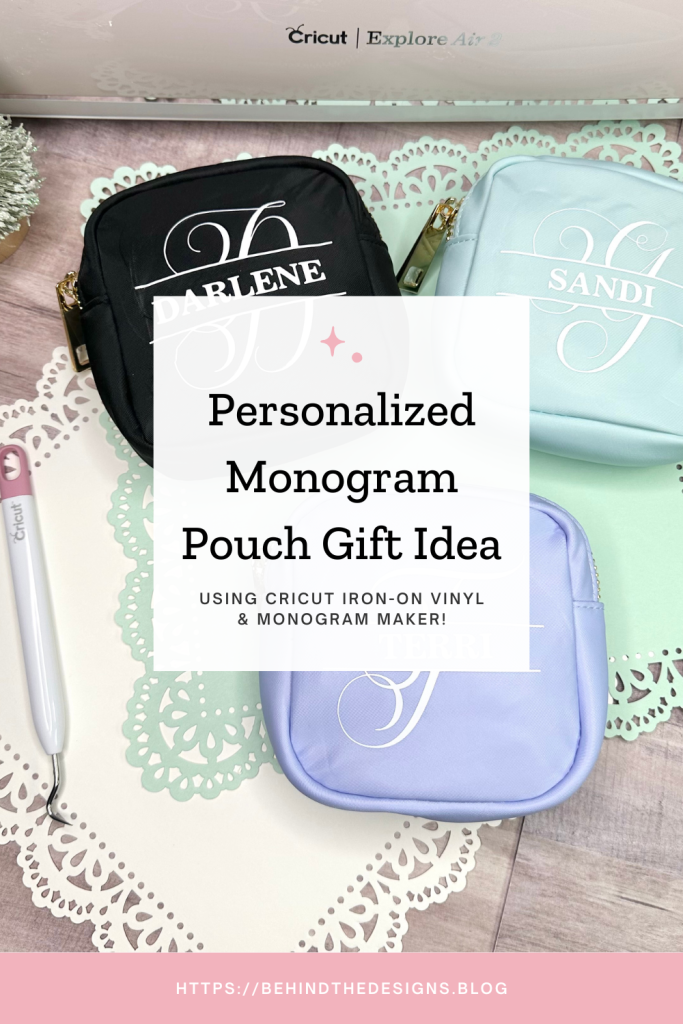
Looking for an easy and fun project for a last-minute Christmas gift? Then this is your next project! Not only is this Personalized Monogram Pouch Gift Idea easy; it’s just as fun to give to a friend or loved one. In this post I’ll show you how to create customized zipper pouches using Cricut!

This beautiful monogram zipper pouch gift idea is another post in a multi-part Christmas crafting giftable ideas series. The projects I’m sharing in this series are all super easy to make and all involve using your Cricut machine and/or iron-on vinyl.
This Cricut project not only checks off a gift on your Christmas list, it’s super easy to create and fun to make!

don’t miss out!
Get More Cricut Project Ideas and Easy Vinyl Crafts and Gifts Inspiration!
I can still remember as a child loving anything that had my initial on it. But that was because “back in my day” my name wasn’t too common so I could never find anything that had my name personalized on it.
That is not so true today. But, I’d much rather receive a personalized monogram Christmas gift than a store bought one!
Supplies
- Square Zipper Pouch (Hobby Lobby #2256907)
- Cricut Design Space (Monogram Letter “T” #M445AC3C1; find more monograms under this contributor by clicking on the name in design space)
- Cricut Machine
- Cricut Cutting Mat
- Cricut Iron-On Vinyl, White
- Cricut EasyPress Mini
- Cricut EasyPress Mat
- Cricut Weeding Tools
Be sure to check out my Amazon Storefront for some or all of the supplies used in this project and more.
Monogram Pouch Details
Just a fair warning…creating these personalized monogram pouches is highly addictive! Having successfully completed three of these zipper pouches had me wanting to create more. That said, it looks like I’ll be creating one for myself too!
1
Design Monogram
For this first step you can get as creative as you want. You can create your own monogram using the monogram maker feature in design space. Since I was a little pressed for time I went ahead and used a pre-designed monogram.
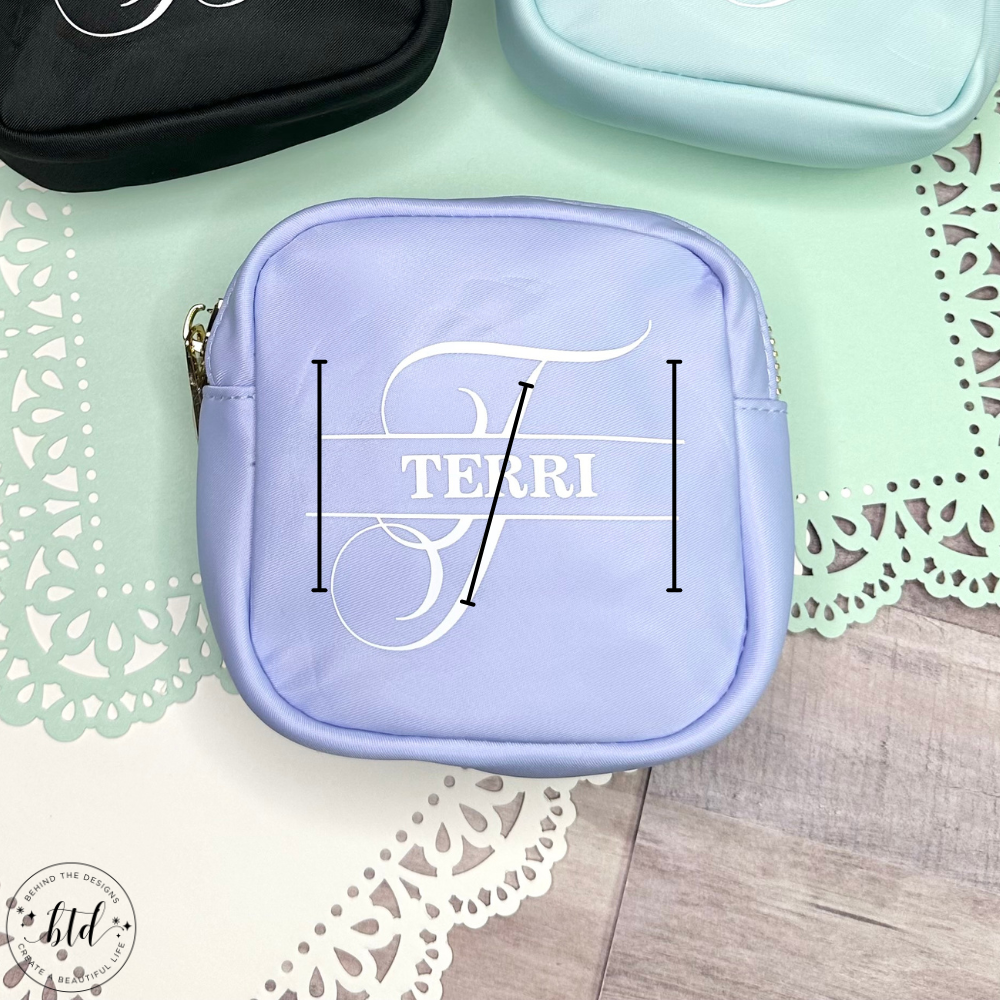
BEFORE YOU IRON-ON YOUR DESIGN…be sure to check the alignment of the pre-made monogram!
As you can see from the black lines in the photo, the pre-made monogram design I chose wasn’t quite aligned correctly. It’s ever so slightly off…but by the time I realized it, I had already ironed on the vinyl. So be sure to check the alignment on any pre-made design you use.
2
Cut Design
Next steps are to cut out the design on your vinyl color of choice; weed the design and then you are ready to apply your monogram design to your zipper pouch.

3
Apply Design
If you use this specific zipper pouch be aware that even with the EasyPress Mini there is still very little flat surface to work with. You can easily see this in my designed zipper pouch above (the iron marks). With time and use those iron marks will fade out.
Iron-On Tip: Use a folded up wash cloth on the inside of the pouch. Then you are effectively creating a “mini” iron-on mat and won’t have to press too hard on the pouch to adhere the design.
Be sure to check out my Tips For Using Glitter Iron-On Vinyl for more iron-on tips that apply even if you aren’t using glitter iron-on.
Now I’ve got three personalized gifts to give on Christmas!
I see my finished project as perfectly imperfect! I know that my friends will still love these personalized gifts. I tend to look at the DIY projects that I share as, I make the mistakes so that your project comes out perfectly!
Were You Inspired To Create A Cricut Pouch?
Mention us @behindthedesigns or tag us using #btdinspired so we can see your creations! You can also leave a comment below!

Want to always be in the know? Be sure to subscribe to the newsletter to receive emails of all the latest blog posts and get the first scoop about any digital printables and freebies.
Join me on Instagram, Pinterest, Facebook and the Creative Planning Expressions Community to see what I’m up to as I Create a Beautiful LifeTM!